Update Version
Check for Updates
Check/update to the latest version via Overdrive+
Dashboard: if there is an updated version, a message will be displayed as shown in the example image.
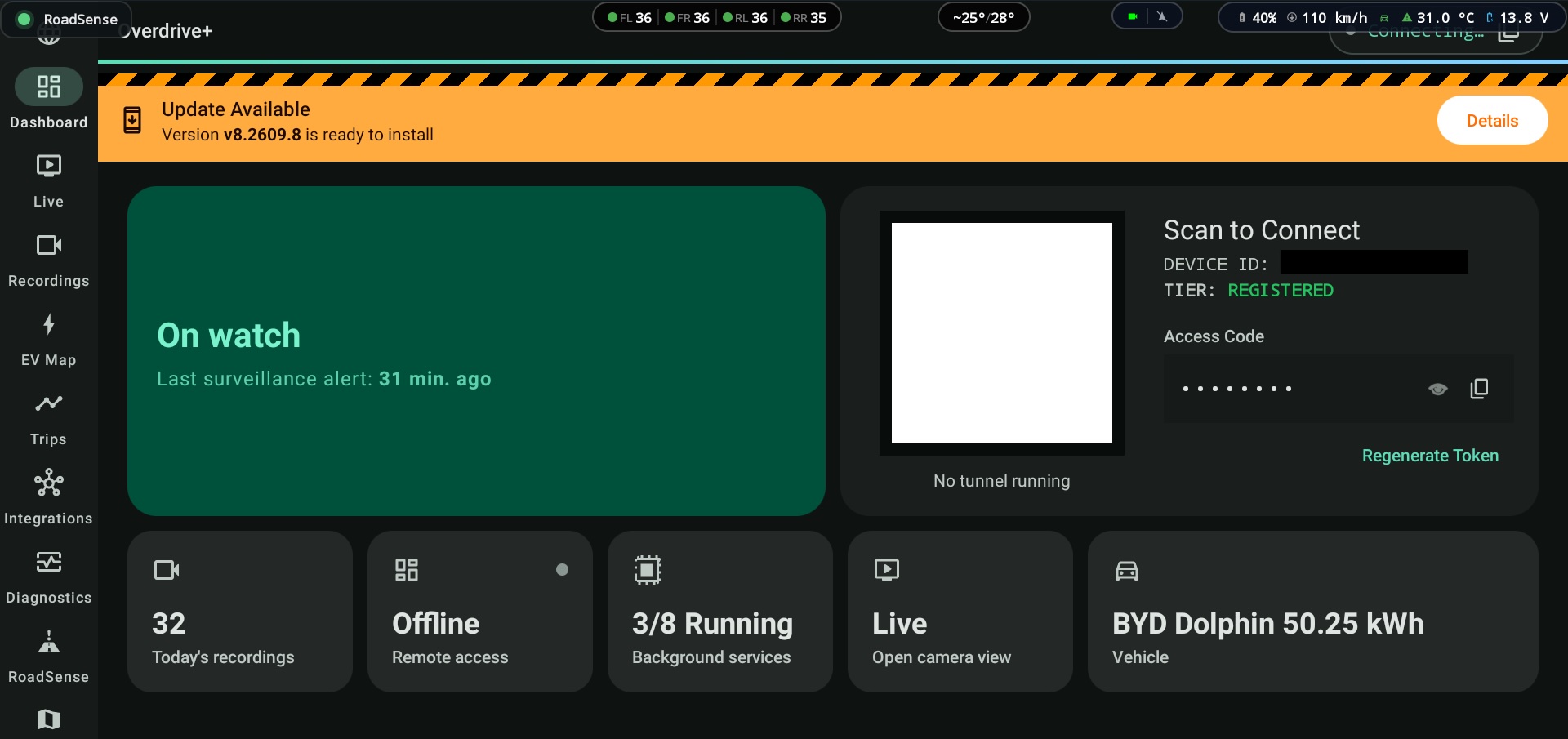
To check the version, go to the
Aboutmenu and selectCheck for Updates.
If a new version is available, it shows the
current versionandnew version, then pressInstall Now
At this step, wait for the app to finish downloading the file

Once the download finishes, the app installs automatically — wait until it's done
After the update finishes
The app will close and reopen; you'll need to follow the next steps

When the update is done, a window opens — press
Open BYD Auto-Startto configureDisable Autostart
Very important!
Select
Disableas shown. If you don't, after a Reboot the app won't be able to start
Tap the
Aboutmenu to see the new version number
Rebooting recommended
After the update is done, press and hold the
Volume up/downbutton on the console for about 10 seconds toRebootthe screen